Filament File Explorer
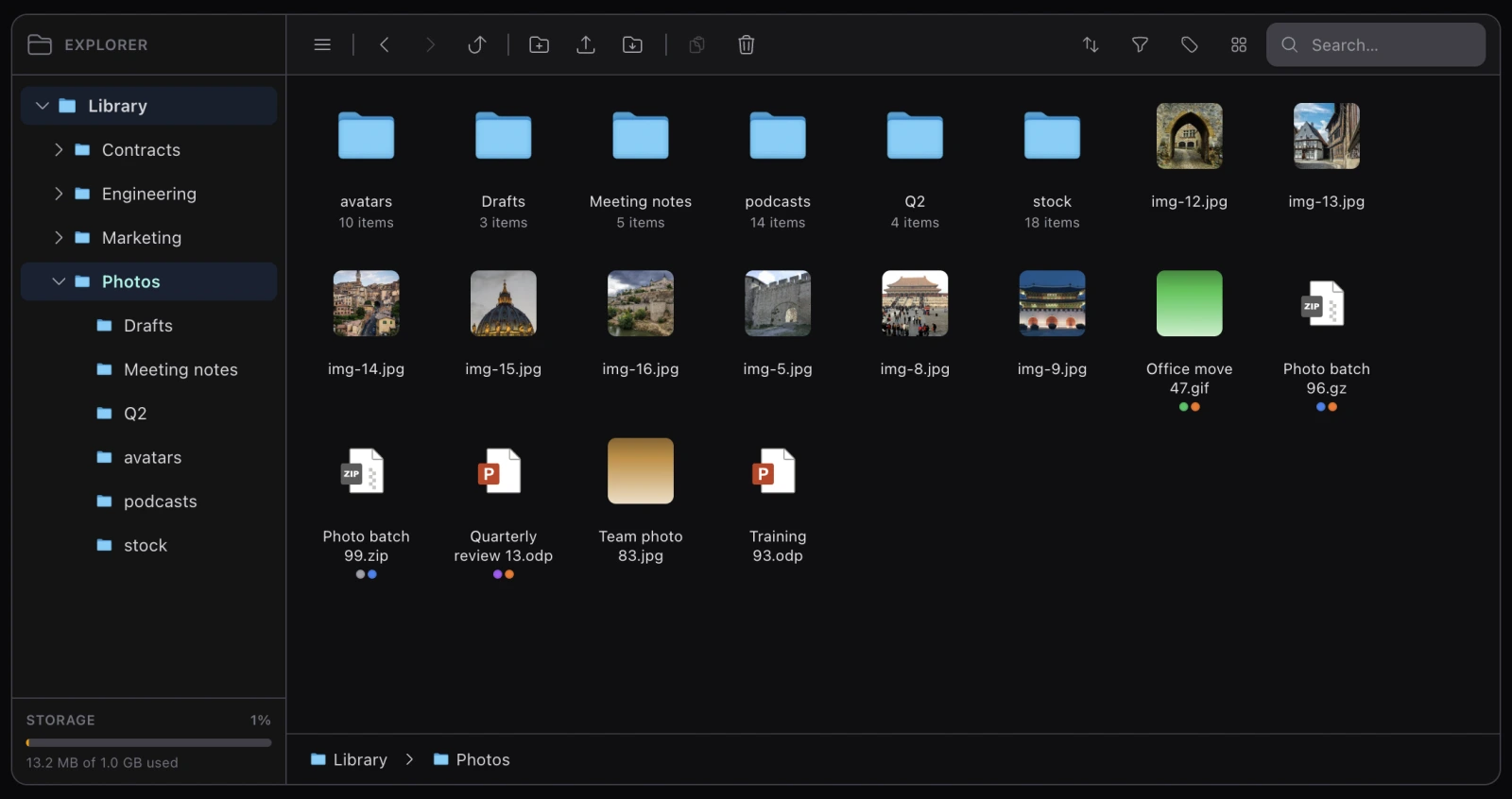
A Finder-style file explorer for Filament v4/v5, backed by Spatie Media Library over a folder tree. Icons, columns and details views; keyboard operation; drag and drop; trash, quotas, tags, versions and share links.



composer require koassi/filament-file-explorer
php artisan filament-file-explorer:install
$panel->plugin(FilamentFileExplorerPlugin::make());
That is a working explorer at /{panel}/file-explorer. Installation has the rest of the steps.
It works two ways
A standalone page (the default) — a panel-level page in the navigation menu, backed by a single root folder. No model, no record. Where the root comes from is a resolver’s decision: one shared library, one per user, one per tenant, or your own.
Record-scoped pages — an explorer attached to an Eloquent record and reachable from its resource, so a project or a client has files of its own. Record-scoped pages.
Both reduce to the same Livewire component driven by two values: a scope key (authorization and session namespace) and a root folder id. Everything else in the package is built on that pair, and the two modes differ only in where they come from.
What is in it
- Three viewsIcons, the Finder's cascading columns, and details rows — remembered per scope.
- Large librariesSorting, filtering and windowing in SQL, so thousands of files stay responsive.
- Keyboard and touchThe listing is a listbox. A finger gets its own gestures rather than the mouse's.
- Uploads of any sizeSliced past
post_max_size, or straight to S3 without touching the server. - TrashDeleting moves aside instead of destroying, with restore and purge.
- File versionsReplacing a file keeps the last N, restorable from the inspector.
- Tags and descriptionsA per-scope vocabulary, searchable, and a filter that looks through the subtree.
- Share linksA public link to one file, expiring, revocable, dying on its own when the file moves.
- QuotasA cap per scope, shown in the sidebar and optionally on the dashboard.
- A form fieldThe explorer in a modal, writing media ids into your form's state.
- AuthorizationTwo independent guards on every entry point, and an ability set that can grow.
- Twenty eventsEvery mutation announces itself, so audit, scan and index need no fork.
Two guards, on every entry point
Worth knowing before anything else, because it is the shape of the whole package:
- An ability check. Your
FileExplorerAuthorizeranswers what a scope may do. Nothing ever defaults to allowed, and an ability nobody declared is refused. - A containment check. Folder and media ids arrive as user input — Livewire parameters, query strings, route bindings — so every one of them is walked up the tree to prove it belongs to the root currently being browsed.
Both are required, on every action and every route. Authorization covers what that means for your own code.
Requirements
| PHP | 8.2+ |
| Laravel | 11 or 12 |
| Filament | v4 or v5 |
| Media Library | v11 |
The test suite needs PHP 8.3, since Pest and Testbench do — the package itself runs on 8.2.
Where to go next
New to it: Installation, then the standalone page.
Coming from an earlier version: Upgrading.
Looking for a setting: Configuration reference.